

MOTION
Cinematic Motion from Your Story
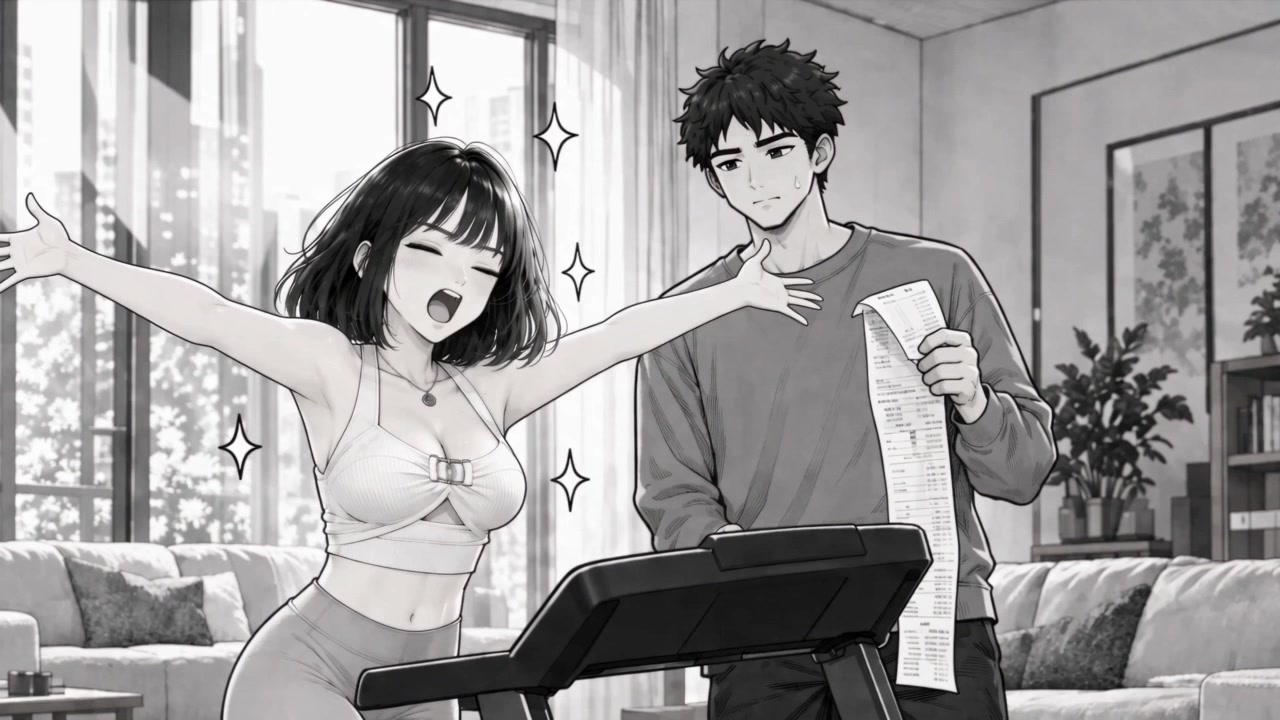
Based on the scene, characters, and story, AI animates your comic or manga panels with cinematic motion and camera work, turning them into video shots.
Turn comic, manga, and webtoon panels or pages into motion comics with voiced dialogue and sound, in Original Art or Auto Color style.
A motion comic brings static comic art to life: based on the story and characters, it adds cinematic motion and camera work, voiced dialogue, and sound effects. Upload a comic, manga, or webtoon panel, or a full page, and AI turns it into an animated video.
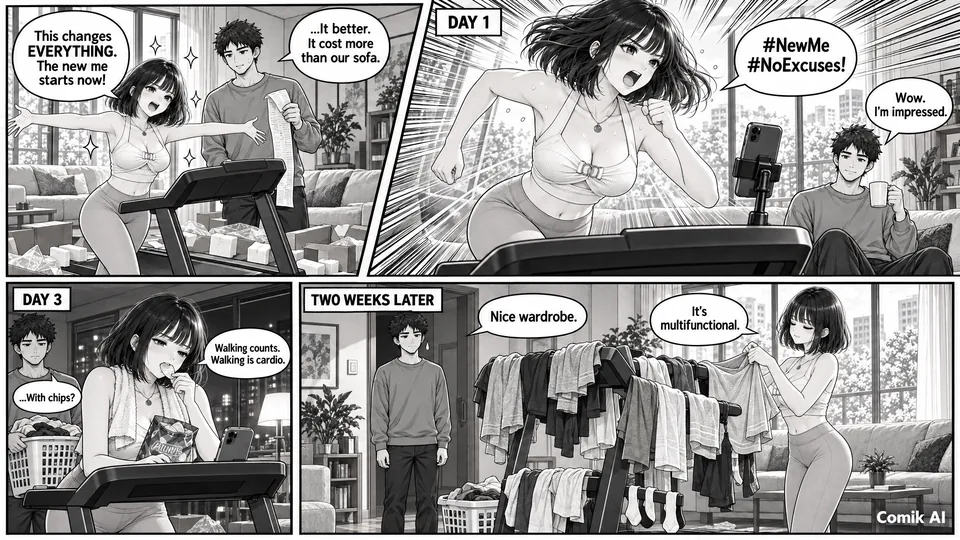
Based on the scene, characters, and story, AI animates your comic or manga panels with cinematic motion and camera work, turning them into video shots.
Turn the dialogue in your comic into spoken lines, with a voice automatically generated to fit each character. You can also pick a voice for any character from the Voice Library.
Sound effects are generated automatically to match the scene. You can also add your favorite sound effects or background music as audio references to shape the scene's rhythm, atmosphere, and emotion.
Four Simple Steps
Turn a comic, manga, or webtoon panel—or a full page—into a motion comic with movement, voiced dialogue, and sound.

Upload a single comic, manga, or webtoon panel, or a full page to animate the panels in story order.

Choose Original Art to preserve the look of your comic, or Auto Color to add color to black-and-white manga. For a full page, use Multi-Panel Original Art or Multi-Panel Auto Color.

Click Use Default Prompt to fill in a starting prompt, then edit it to match your characters and scene. Character voices are generated automatically. To choose specific voices, add them from the Voice Library and assign them to characters with @ mentions, as shown in the default prompt.
Better results: match the duration to the amount of dialogue. Allow at least 2.5 seconds for each speech bubble.
Worse results: cutting the duration short crams the story and scenes together and causes broken transitions.
Bring your own comic, manga, or webtoon art to life, or animate a comic you created with the AI Comic Generator. Keep the original look, give the characters a voice, and share the result as a story, trailer, or short video.


A motion comic is a video made by adding character motion or camera movement to static comic panels. It can also include voiced dialogue, sound effects, and background music. With Comik AI, you can turn existing comic and manga panels into motion comic videos without drawing every frame by hand.
Upload a comic, manga, or webtoon panel—or a full page—to the motion comic generator. Pick Original Art or Auto Color for a single panel, or Multi-Panel Original Art or Multi-Panel Auto Color for a full page. Click Use Default Prompt and set a duration that fits the amount of dialogue. AI animates each scene from the story and generates character voices and sound effects automatically; to use specific voices, add them from the Voice Library and assign them with @ mentions in your prompt. Then generate your video.
Yes. Upload a page with several panels to the motion comic generator and choose a Multi-Panel style. Each panel becomes a scene with its own camera movement, and the scenes play in story order as a single motion comic, complete with voiced dialogue and sound. No need to animate them one at a time. Multi-Panel styles also help each character keep a consistent look across scenes.
It depends on how much dialogue the panels contain. For a single panel with two speech bubbles, about 6 seconds is usually enough. For a four-panel page with eight speech bubbles, choose 20 seconds or more, and 25 seconds is recommended so every line has time to be spoken. Each video covers one panel or one page, and the maximum length depends on the model you select: up to 30 seconds with Seedance 2.5, and 15 seconds with Seedance 2.0, MiniMax H3, and Gemini Omni 1.2.
Yes. Upload a comic, manga, or webtoon panel, an anime image, or another image. Comik AI uses it as a visual reference for the characters and setting and animates it based on the scene and story, so you do not need to redesign the scene from scratch or describe each movement.
Yes. Select Animate Now on a comic you created, and the comic opens in the Motion Comic Generator, ready to animate. For a comic with several panels, choose a Multi-Panel style to turn the whole comic into one continuous video.
AI brings the whole panel to life based on the story: characters' expressions and poses change; hair, clothing, and background elements move; and camera movement is added automatically. If you add movements in your prompt, ones that fit the story are more likely to take effect, while movements that clearly contradict the story usually won't.
Yes. Original Art styles keep the original characters, outfits, props, and setting as drawn, while Auto Color styles color black-and-white manga as it is animated. Each is available for a single panel or a full page. Results can vary depending on the source image, scene complexity, and amount of motion.
Yes. Dialogue already in your comic becomes spoken lines, with a voice automatically generated to fit each character. You can also choose any character's voice from the Voice Library. Sound effects are generated automatically to match the scene, and you can add your favorite sound effects or background music as audio references to set the mood.
You can create motion comics, comic trailers, promotional videos for your comic, and short videos for YouTube Shorts, TikTok, and Instagram Reels. Generated videos can also be used as scenes in longer stories, such as an AI Short Drama in Drama Studio.
Yes. In Comik AI Drama Studio, choose the Motion Comic video type and turn an idea, outline, script, or novel excerpt into an AI Short Drama, with a comic look or any other style you describe in your prompts. Characters, storyboard frames, video shots, and the final cut stay together in one project. The Motion Comic Generator is the faster choice when you already have comic, manga, or webtoon panels to animate.


